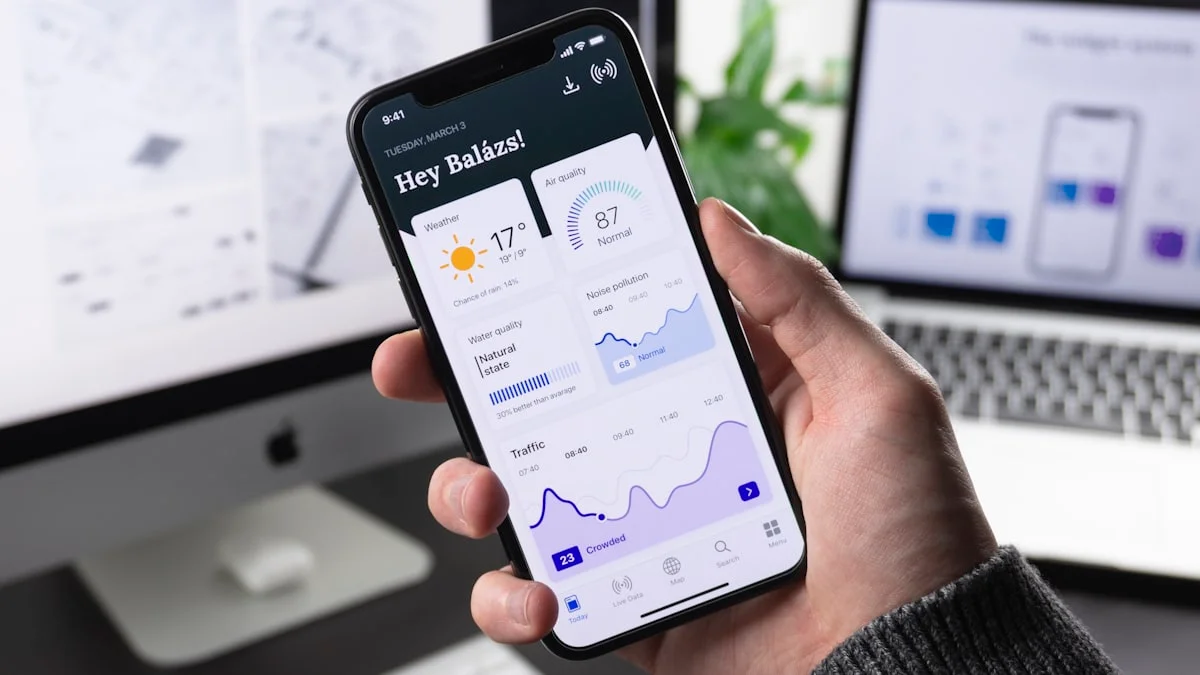
Progressive Web Apps combine the best of web and native applications. Installation from browser, offline functionality, push notifications: discover why PWAs dominate in 2025.
📱 What is a PWA?
A PWA is a website that behaves like a native mobile application, without requiring download from an app store.
✨ PWA Characteristics:
- Installable: add to home screen without app store
- Offline-first: works even without internet connection
- Fast: instant loading thanks to caching
- Responsive: adapts to all screens
- Secure: HTTPS mandatory
- Engaging: push notifications possible
💰 ROI and Measurable Benefits
📈 Famous Company Cases:
- Twitter Lite (PWA): +75% tweets sent, -70% data consumed
- Starbucks PWA: 2x increase in daily orders
- Pinterest PWA: +40% time spent, +44% ad revenue
- Alibaba PWA: +76% conversions from iOS
- Uber PWA: loads in 3s on 2G networks
🛠️ How to Create a PWA in 2025
1. Manifest.json
{
  "name": "My PWA App",
  "short_name": "PWA",
  "start_url": "/",
  "display": "standalone",
  "background_color": "#000000",
  "theme_color": "#dc2626",
  "icons": [
    {
      "src": "/icon-192.png",
      "sizes": "192x192",
      "type": "image/png"
    },
    {
      "src": "/icon-512.png",
      "sizes": "512x512",
      "type": "image/png"
    }
  ]
}
2. Service Worker
// service-worker.js
const CACHE_NAME = 'v1';
const urlsToCache = ['/', '/styles.css', '/app.js'];

self.addEventListener('install', event => {
  event.waitUntil(
    caches.open(CACHE_NAME)
      .then(cache => cache.addAll(urlsToCache))
  );
});

self.addEventListener('fetch', event => {
  event.respondWith(
    caches.match(event.request)
      .then(response => response || fetch(event.request))
  );
});
3. Registration
// app.js
if ('serviceWorker' in navigator) {
  navigator.serviceWorker.register('/service-worker.js')
    .then(reg => console.log('SW registered', reg))
    .catch(err => console.log('SW error', err));
}
🚀 Frameworks with Built-in PWA Support
⚛️ Next.js + next-pwa
5-minute setup. Automatic offline support.
🅰️ Angular PWA
ng add @angular/pwa - Pre-configured service worker.
💚 Vue.js PWA Plugin
@vue/cli-plugin-pwa for Vue CLI.
⚡ Vite PWA Plugin
vite-plugin-pwa for Vite/React projects.
📊 Complete PWA Checklist
✅ Essential Requirements:
- ☑️ HTTPS enabled (mandatory)
- ☑️ Manifest.json configured
- ☑️ Service Worker registered
- ☑️ Icons 192x192 and 512x512
- ☑️ start_url defined
- ☑️ display: standalone
- ☑️ Responsive design (mobile-first)
- ☑️ Performance > 90 (Lighthouse)
- ☑️ Works offline
- ☑️ Fast load time < 3s
🔔 Push Notifications
PWAs can send push notifications like native apps:
- User engagement +88% on average
- Abandoned cart reminders
- Promotional alerts
- Update notifications
⚠️ Limitations to Know
⚡ Points of Attention:
- iOS: limited support (no push notifications on Safari)
- Limited storage (50-100MB depending on browser)
- Not all native APIs available (limited Bluetooth, NFC)
- Installation less obvious than app stores
🎯 Conclusion
In 2025, not having a PWA means losing 40% of potential mobile conversions. Users prefer adding a PWA to their home screen rather than downloading a 200MB app.
Immediate action: Test your site on Lighthouse, enable HTTPS, add a manifest.json and a basic service worker. Your PWA can be operational in one day!